How to set up the Site Logins for class 387
Start at the Dreamhost.com homepage
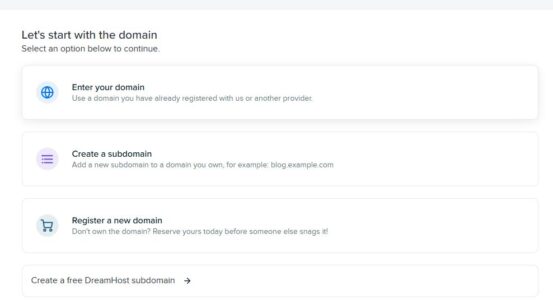
- Go to WordPress Dashboard > Manage Websites > Add Website.

Creating the Subdomain
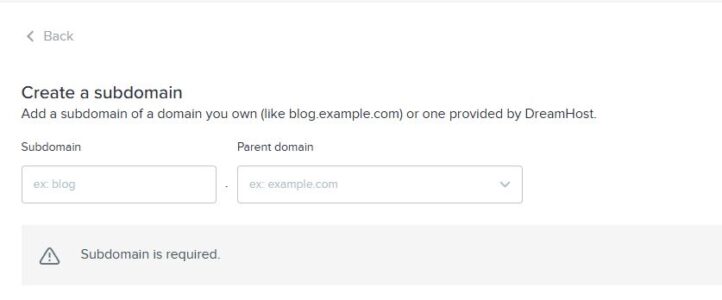
2. Select “Create a Subdomain”.
3. Shorten the name of the site and add #’s for each group assigned to it.
4. ALWAYS us ‘drnoce.biz’